

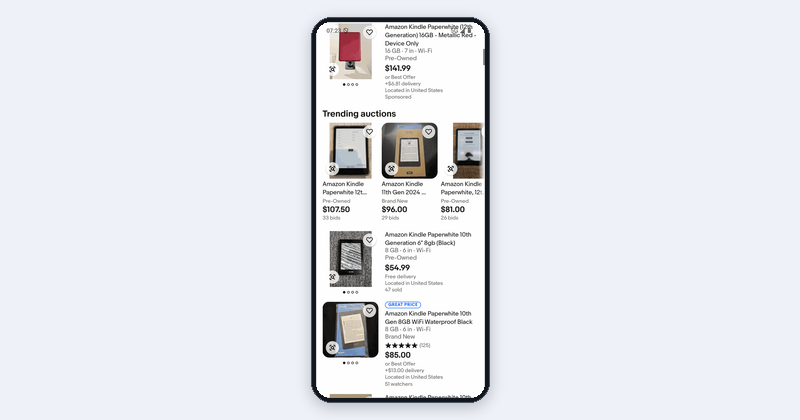
Read app data as JSON
Turn what a phone shows into structured data.
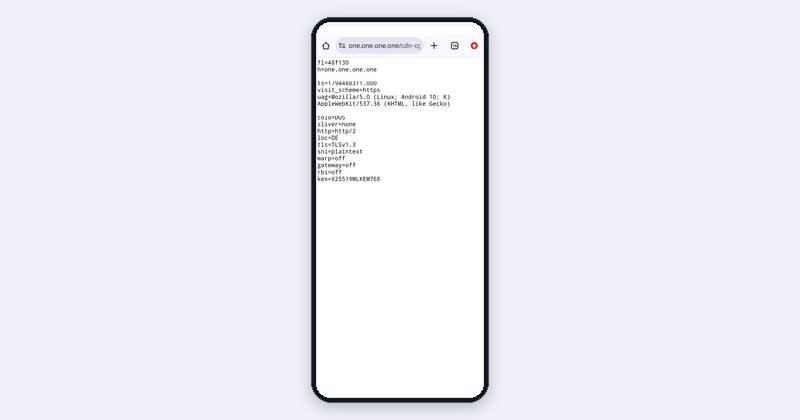
Same app, different markets
See what an app shows in another country.
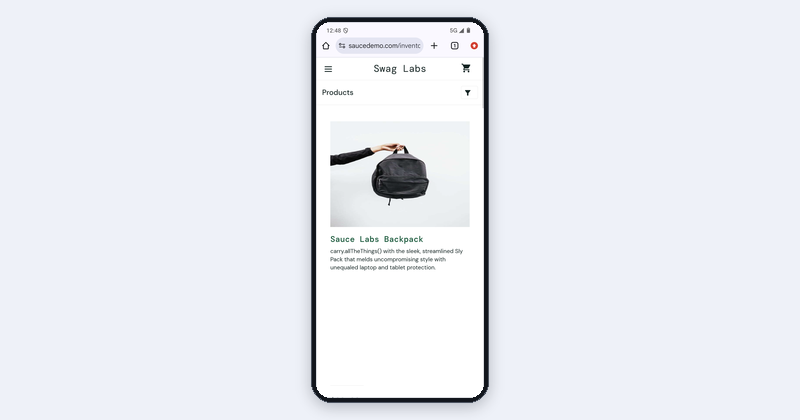
Test a flow and keep proof
Run a test and keep video and screenshots.
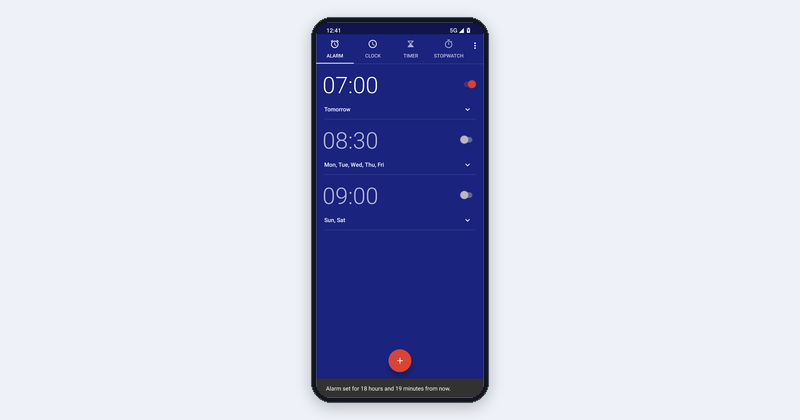
Drive the phone step by step
Read the screen and tap from your own code.
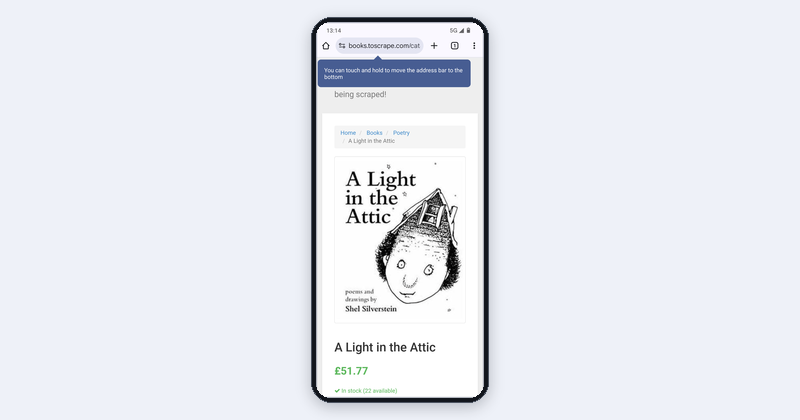
Watch an app and get alerts
Get notified when something changes.
Automate your own phone
Briefings and approved actions on your phone.

Finish a sign-up that sends a code
Read email and SMS codes during a sign-up.
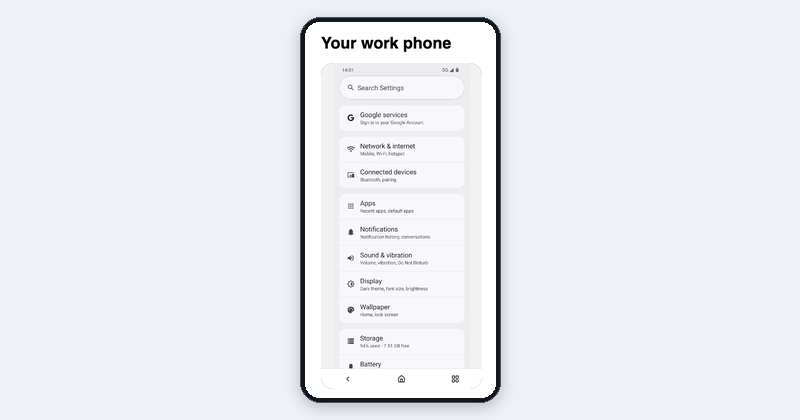
Your work phone in the browser
Watch and control a phone from your browser.
Before you start
- Create a key on the API Keys page and
export MOBILERUN_API_KEY=.... - Install
pip install mobilerun-sdkornpm install @mobilerun/sdk, or connect the MCP server. - Have a ready phone. Start a Cloud Android phone in the dashboard, or connect your own phone. Stop cloud phones when you’re done.
Phones and add-ons
Run the examples on our phones or yours, and add what a use case needs.Cloud Android
Pay per minute or a dedicated phone. Stop and resume keeps apps and logins.
Cloud iOS
A dedicated real iPhone, or a virtual iPhone billed per minute.
Your own phone
Connect your own Android phone to Mobilerun.
Proxies and countries
Residential IPs and GPS for other countries.
Mailboxes and numbers
Receive email and SMS codes during a flow.
Live stream in your app
Show a phone to your users and let them take over.
Advanced
Advanced
- Many phones at once: examples include multi-phone variants. See Devices.
- Logins: store app logins in Credentials and attach them to tasks. Never put passwords in prompts.
- Your own apps: upload your APK to the app library and install it on any Cloud Android phone.
- Events instead of polling: Webhooks send
task.run.completedandtask.run.failedto your backend. - Browser control: drive Chrome on the phone with Puppeteer or Playwright, see Browser automation.
- Traffic inspection: see an app’s HTTP and WebSocket traffic while you walk its screens, see Network inspection.
For AI assistants
For AI assistants
- Ask what the user wants to build and match it to an example above. Start at Level 1.
- Use MCP if it’s connected; otherwise write SDK code.
- List phones and capabilities first. Ask before creating phones, proxies, mailboxes, numbers or webhooks, and never approve a purchase.
- Report the result, the steps, and anything that failed.